Big ideas, explained like you're five.
One tricky idea, one 90-second video. Bitsy draws a simple picture first, then shows the real code. Every video also has a reading version here, with code you can copy and a question to check yourself.
JavaScript, Explained Like You're Five
Start here. From let and const to the event loop, one idea per lesson, each told with a simple picture first and real code second.
 01
01let vs const
let and const both create named values. With let you can give the name a new value later, with const you can't. Picking the right one makes your code easier to trust.
 02
02== vs ===
== converts values to the same type before comparing, so different things can look equal. === checks the value and the type, which makes it the safe default.
 03
03var vs let
var is the old way to make variables. It leaks out of blocks, lets you declare a name twice and gives undefined when used too early. Use const or let instead.
 04
04null vs undefined
undefined means a value hasn't been set yet. null means someone chose to leave it empty. Knowing which is which helps you read data and track down bugs.
 05
05Truthy and Falsy
In an if, JavaScript turns any value into true or false. Only a short list of values count as false. Learn that list and confusing conditions start to make sense.
 06
06Template Literals
Template literals let you build strings with values inside, using backticks and ${ }. They are easier to read than gluing pieces with +, and they can span many lines.
 07
07Arrow Functions
Arrow functions are a shorter way to write functions with =>. They suit small functions well, but they don't have their own this, so skip them for functions inside objects.
 08
08Default Parameters
Default parameters give a function a backup value when the caller leaves one out. They stop missing values from turning into undefined and causing weird bugs.
 09
09map, filter and reduce
map, filter and reduce replace many for loops with one short line each. map changes every item, filter keeps some, and reduce combines them into one value.
 10
10Spread and Rest
The three dots ... do two jobs. Spread unpacks an array where you put it, and rest gathers values into one array. Where the dots sit tells you which job they do.
 11
11Destructuring
Destructuring lets you pull values out of objects and arrays into their own variables in one line, so your code is shorter and shows what it needs.
 12
12Copy vs Reference
In JavaScript, arrays and objects are shared by reference, so b = a does not copy. Learn why the original changes too and how to make a real copy.
 13
13Optional Chaining
Optional chaining (?.) stops the famous "Cannot read properties of undefined" error by giving you undefined when something along the way is missing.
 14
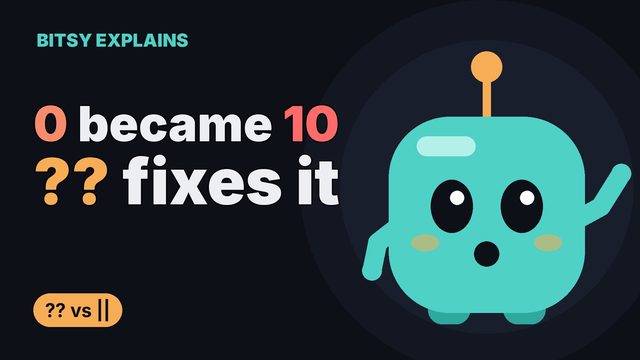
14?? vs ||
?? and || both give a backup value, but || also throws away 0 and empty strings. Learn which one keeps your zeros and when to use each.
 15
15Closures
A closure is a function that remembers the variables from where it was made, even after that outer function has finished. Scary name, simple idea.
 16
16The this Keyword
Inside a regular function, this means the object before the dot when you call it. Learn how this gets lost, and how bind and arrow functions help.
 17
17Callbacks
A callback is a function you hand to another function so it can call you back later. You already use them with map, filter and setTimeout.
 18
18Promises
A promise is a stand-in for a value that arrives later, like a restaurant buzzer. Learn its three states, .then and .catch, and how promises flatten callback hell.
 19
19async/await
async and await let you use promises in code that reads top to bottom like a story. Learn the syntax, try/catch for errors, and Promise.all for speed.
 20
20The Event Loop
JavaScript does one thing at a time, yet handles timers and network requests without freezing. The event loop is how. Learn why setTimeout 0 runs last and promises go first.
Cursed JavaScript
The strange results everyone runs into, like 0.1 + 0.2 and [] == ![]. Each lesson shows the rule behind the result and how to stay out of trouble.
 21
21Why [] + [] Is an Empty String
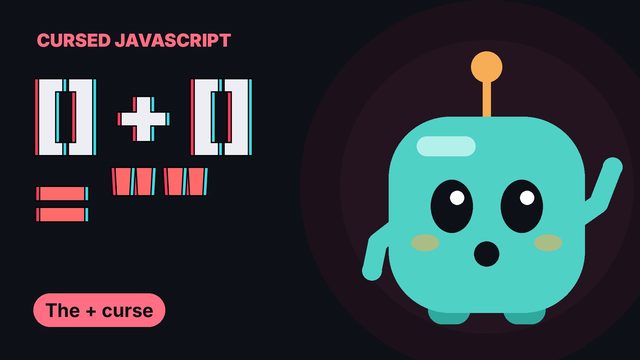
Why [] + [] gives an empty string, why "3" + 1 gives "31", and how to make the + sign do real math instead of gluing text together.
 22
22Why 0.1 + 0.2 Isn't 0.3
Why 0.1 + 0.2 gives 0.30000000000000004 in JavaScript, how to compare decimals safely, and why money should be counted in cents.
 23
23Why typeof NaN Is "number"
Why typeof NaN says "number", where NaN comes from, and how to check for it properly with Number.isNaN().
 24
24Why sort() Puts 10 Before 2
Why [10, 1, 2].sort() gives [1, 10, 2], how to sort numbers with a compare function, and why sort() changes your original array.
 25
25"b" + "a" + +"a" + "a" Spells baNaNa
How "b" + "a" + +"a" + "a" spells baNaNa, what a plus sign in front of a value does, and when that trick is actually useful.
 26
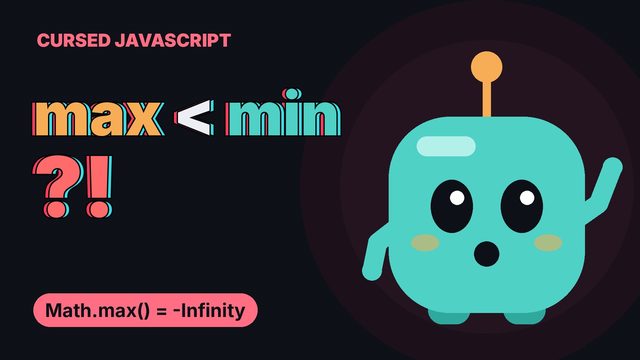
26Why Math.max() Is Smaller Than Math.min()
Why Math.max() with nothing inside is -Infinity, why that makes it smaller than Math.min(), and how to use both safely with arrays.
 27
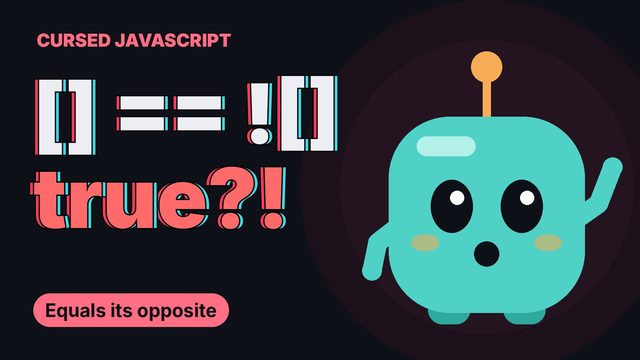
27Why [] == ![] Is true
Why [] == ![] is true, step by step through what == does to arrays and booleans, and why === makes the curse go away.
 28
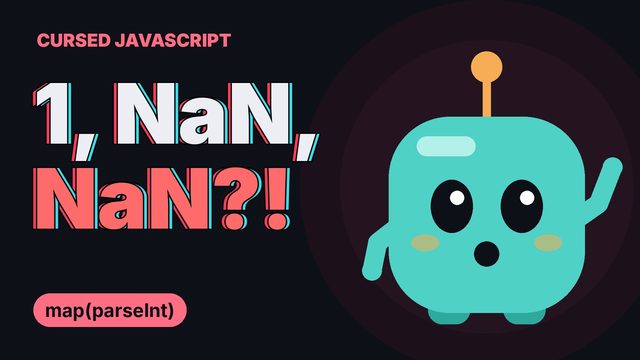
28Why map(parseInt) Gives NaN
Why ["1", "2", "3"].map(parseInt) gives [1, NaN, NaN], what map really passes to your function, and the safe way to turn text into numbers.
 29
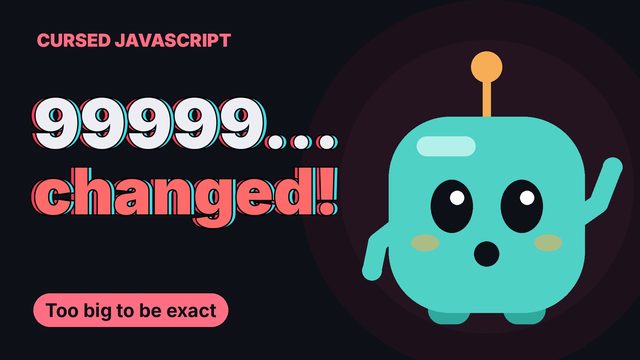
29Why JavaScript Changes Your Big Numbers
Why JavaScript turns 9999999999999999 into 10000000000000000, where the safe limit for whole numbers is, and how BigInt keeps big numbers exact.
 30
30The return Trap
Why a function with return on its own line gives undefined, how JavaScript adds semicolons for you, and the lines that cause the opposite problem.
Next on Bitsy Explains
The same short videos and reading versions are coming for more subjects. Subscribe on YouTube to see each one the day it comes out.